Hey guys do you know what is cookies? If you don't know then don't worry,I will explain it for you.
A cookie is a small bit of information that a website stores on your computer. When you revisit the website, your browser sends the information back to the site. Usually a cookie is designed to remember and tell a website some useful information about you.
Yes,we provide Netflix premium and Prime Cookies for free. we have currently 2 cookies of Netflix premium and 1 cookie of Prime video. It is absolutely free you can use these cookies without paying single penny.
We have different types of valid cookies.All of our cookies works perfectly.We update our cookies regurly so,If any one of the cookies won't works then also don't worry we update that cookies in time.
If you have working Netflix cookies you can easily log in to Netflix for free. Don’t Worry about Netflix cookies Working Netflix cookies are added below.
To login into Netflix by using cookies you need to add an extension to your web browser.
Follow the below steps to add the extension to your browser
Go to Here and Click on add to chrome and the extension will be installed on your browser.
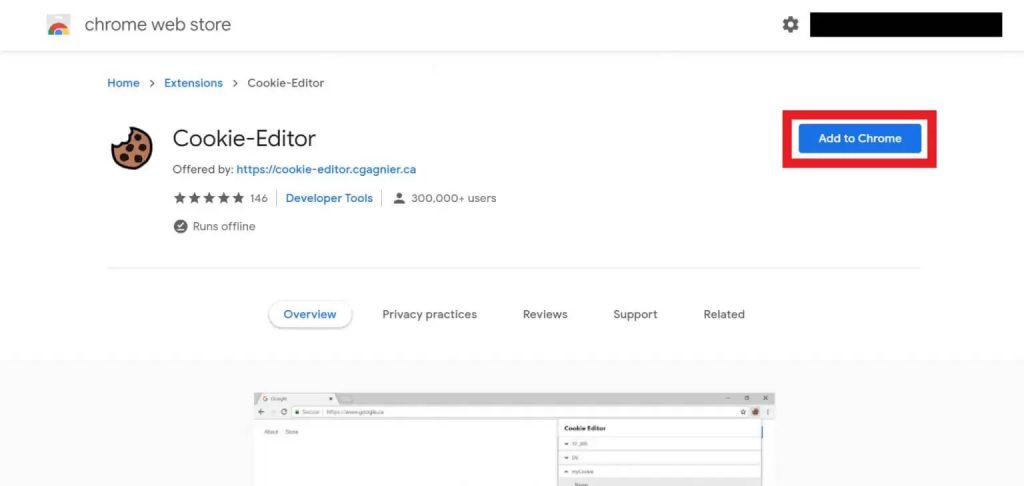
That is it extension is installed on your browser and it’s available on the top right side of your browser.
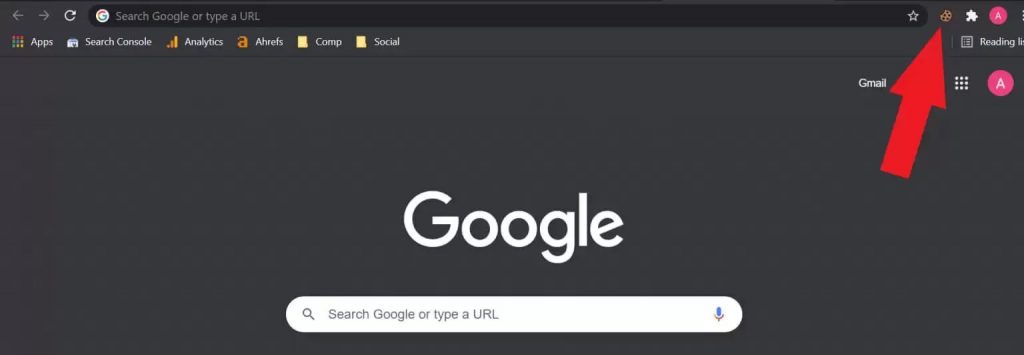
Now we added the cookie editor chrome extension to our browser. After that, we need to insert working Netflix cookies into our browser.
To insert Netflix cookies into your browser follow the below steps
Copy cookies are given below and Go to the Netflix.com website.
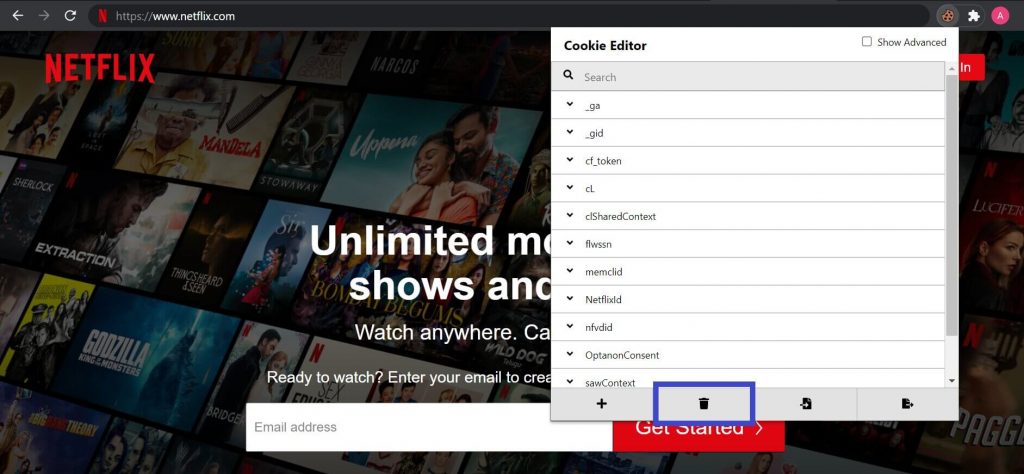
After opening the Netflix website click on the cookies editor extension in the top right section of your browser.
Here you will see four options ( Add, Delete All, Import, and export) You need to click on delete all to clear the cookies of the Netflix website.
Now again click on the extension and then click on the Insert option.
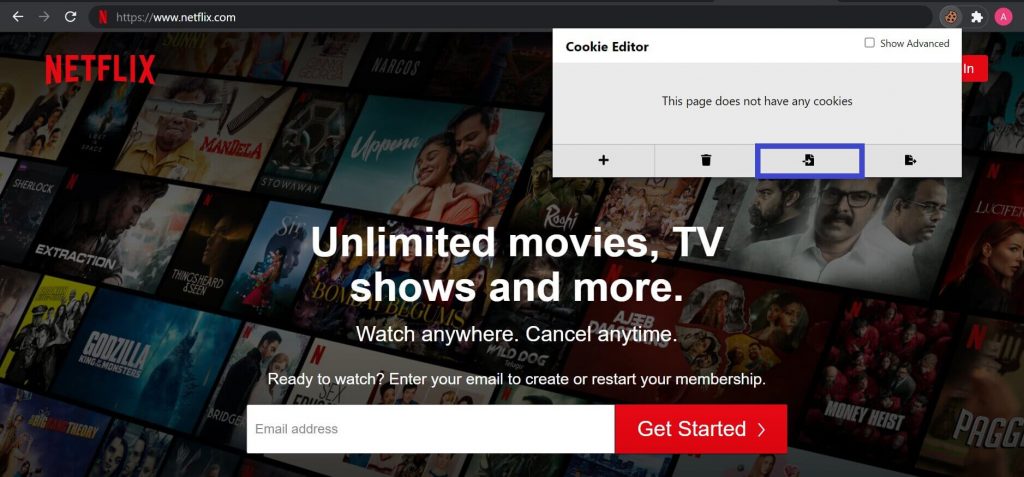
Paste cookies in the given box and again click on insert.
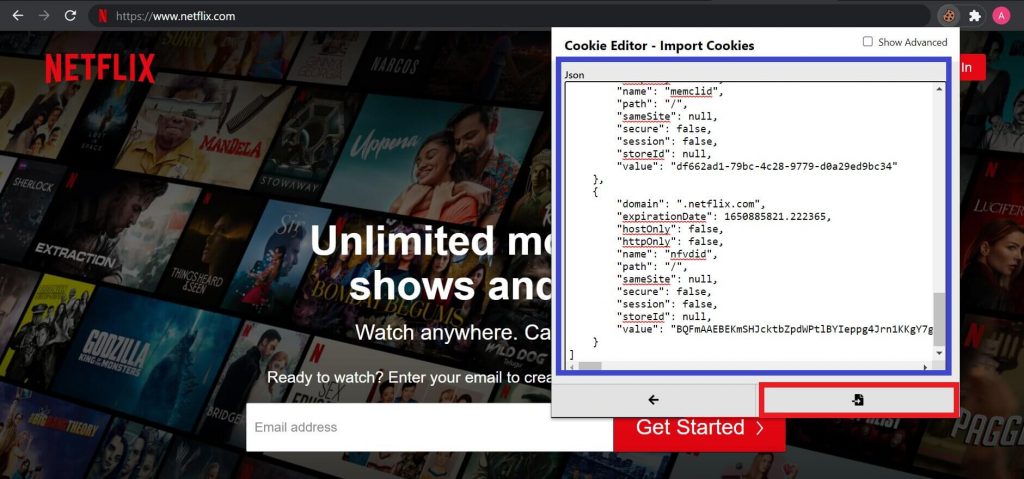
After that just refresh to page and boom you are logged into Netflix for free.

This is how you can get Netflix for free by using Netflix cookies.
Note: Never log out after login in to your Netflix account because if you log out the cookies will expire and you can’t use the same Netflix cookies to log in
If you don’t want to use this account don’t log out just clear cookies and you will be automatically logged out from Netflix.
clearing cookies is very easy and simple you need to use the same cookie editor extension that we use to insert the working Netflix cookies.
Follow the below steps to clear cookies
If you don’t want to use this account don’t log out just clear cookies and you will be automatically logged out from Netflix.
Click on the extension and here you will see four options click on the second option “delete all”.
That is it you cleared the cookies without affecting the working Netflix cookies.